






How to use the cloud system of TheAmplituhedron to improve IoT projects [Deprecated]
February 23, 2018

Navigation Bar

Apply Theme
- Introduction
- Keywords
- Brands
- Hardware
- Software
- Disclaimer
- Description
- What is the cloud system of TheAmplituhedron?
- Sign Up
- Go to your Dashboard
- Cloud Information Page
- Program your device
- Open your cloud page to manage your data packets
- Enter your personal cloud information
- Now, TheAmplituhedron is ready to send and get data over the Internet :)
- Test Project
- Videos
- Project GitHub Repository
- Schematics
- Code
- See on other platforms
- Related projects
Bring your ideas to life without considering that how to program a server to create a host for web communication using TheAmplituhedron.
Keywords
Hardware
- Arduino Uno[1]
- Arduino Ethernet Shield 2[1]
- DHT11 Temperature and Humidity Sensor[1]
- Photo Resistor[1]
- MQ4 Gas Sensor[1]
- Flame Sensor[1]
- Hygrometer Sensor[1]
- 2-Way Relay[3]
- Compatible Devices
- SparkFun ESP8266 Thing[1]
- NodeMCU ESP8266 Breakout Board[1]
- Raspberry Pi 3 Model B[1]
- ESP8266[1]
Software
Disclaimer
As of 2024, I terminated all subscription-based services of my previous and more experimental website — theamplituhedron.com. Thus, you need to host a similar web application on your server to replicate all of the features mentioned in the project tutorial.
Description
TheAmplituhedron is my personal website I post some of my ideas on under three main section, which are Projects, Tools, Articles and I had been working on a free cloud system for approximately two months for sending and getting data over the Internet by communicating the devices such as Arduino Ethernet Shield 2, Raspberry Pi, ESP8266, NodeMCU or any device that is capable of making an HTTP request. Now, the cloud system of TheAmplituhedron is ready to run and this page guides you to create IoT projects with it.
What is the cloud system of TheAmplituhedron?
The cloud system of TheAmplituhedron is a free service that handles server-side programming for web communication and its main purpose is to improve IoT projects. Furthermore, to manage your data packets is uncomplicated by using TheAmplituhedron as a host because of the unique path created by the cloud system of TheAmplituhedron for you.
Start using the cloud system of TheAmplituhedron by taking the following steps.
Sign Up
Please sign up for TheAmplituhedron to create your cloud page.

Go to your Dashboard
Please sign in and go to your dashboard.


Cloud Information Page
Cloud Information Page gives you more details to use the cloud system, please read it before going to your cloud page.

Program your device
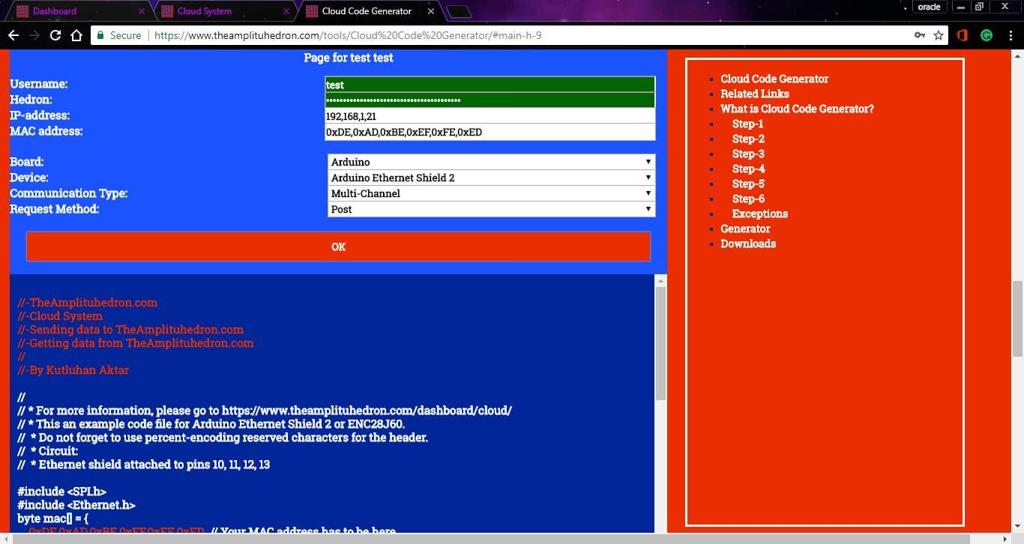
If you need to get help to program your device, please go to Cloud Code Generator.


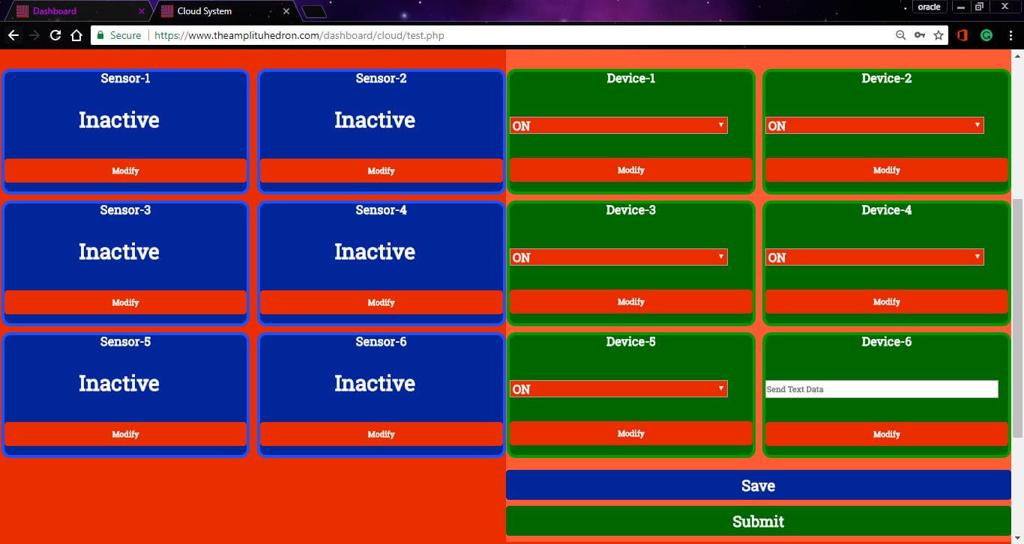
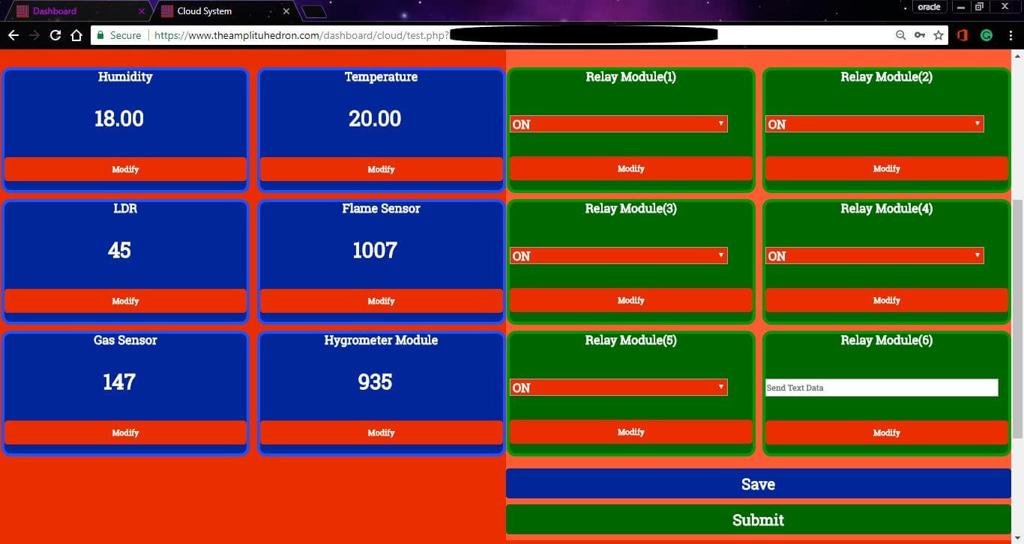
Open your cloud page to manage your data packets


Enter your personal cloud information


Now, TheAmplituhedron is ready to send and get data over the Internet :)


If you have issues to recall the last data packet you send to give a command to your devices, you can try the recovery system which is ready to save your commands permanently in the database.

Test Project
The code of the test project is created by Cloud Code Generator and modified using Arduino IDE.
- Board --> Arduino Uno
- Device --> Arduino Ethernet Shield 2
- Communication Type --> Multi-Channel
- Request Method --> Post
Videos
Project GitHub Repository
The project's GitHub repository provides:
- Code files
Schematics

Code
See on other platforms
Related projects
Free IoT Services | Make a Private Chat Room up to three devices via ESP8266 [Deprecated]
Communicate up to three devices by sending message strings to a shared connection path, displayed on the serial monitor.

IoT Remote Bookcase Light and Message Panel
Fetch information from a web page to control a bookcase light and display message strings without needing a web server(port f. ) via ESP8266.
Free IoT Services | Send Colors in RGB Format via ESP8266 [Deprecated]
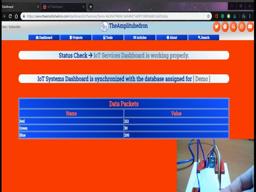
View colors in RGB format as data packets gathered by TCS3200 on your IoT Dashboard with your Google+, Twitter or TheAmplituhedron account.
IoT Tesla Coil and Cooling Fan on the Localhost
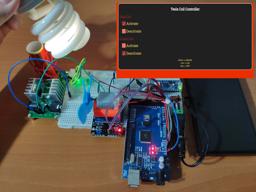
Develop a web application in PHP and JavaScript to control a Tesla coil and a cooling fan via Arduino Nano 33 IoT. Get information from the Tesla Coil Controller without needing to click to a classic submit button.

IoT Modified Action-Man Figure with Laser Beams
Activate two laser modules fastened to each arm of a dilapidated Action-Man figure and control an LED as background lighting via ESP8266.