






RFID Desk Lamp
November 8, 2018
Navigation Bar
Apply Theme
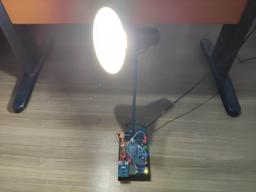
Supersede your old desk lamp with a new one controlled by an RFID tag or card and personalize it with an RGB color pattern to turn it off.
Keywords
Hardware
- Arduino Nano R3[1]
- MFRC522 RFID Reader[1]
- RFID Key Tag[1]
- 2-Way Relay[1]
- Rotary Potentiometer[3]
- RGB Common Anode[1]
- 5mm Green Led[1]
- Resistor 220 ohm[4]
- Male/Male Jumper Wires[1]
- Male Female Jumper Wires[1]
- Mini Breadboard[3]
- 9V Battery[1]
- 9V Battery Clip[1]
- Soldering Iron[1]
- Hot Glue Gun[1]
Software
Description
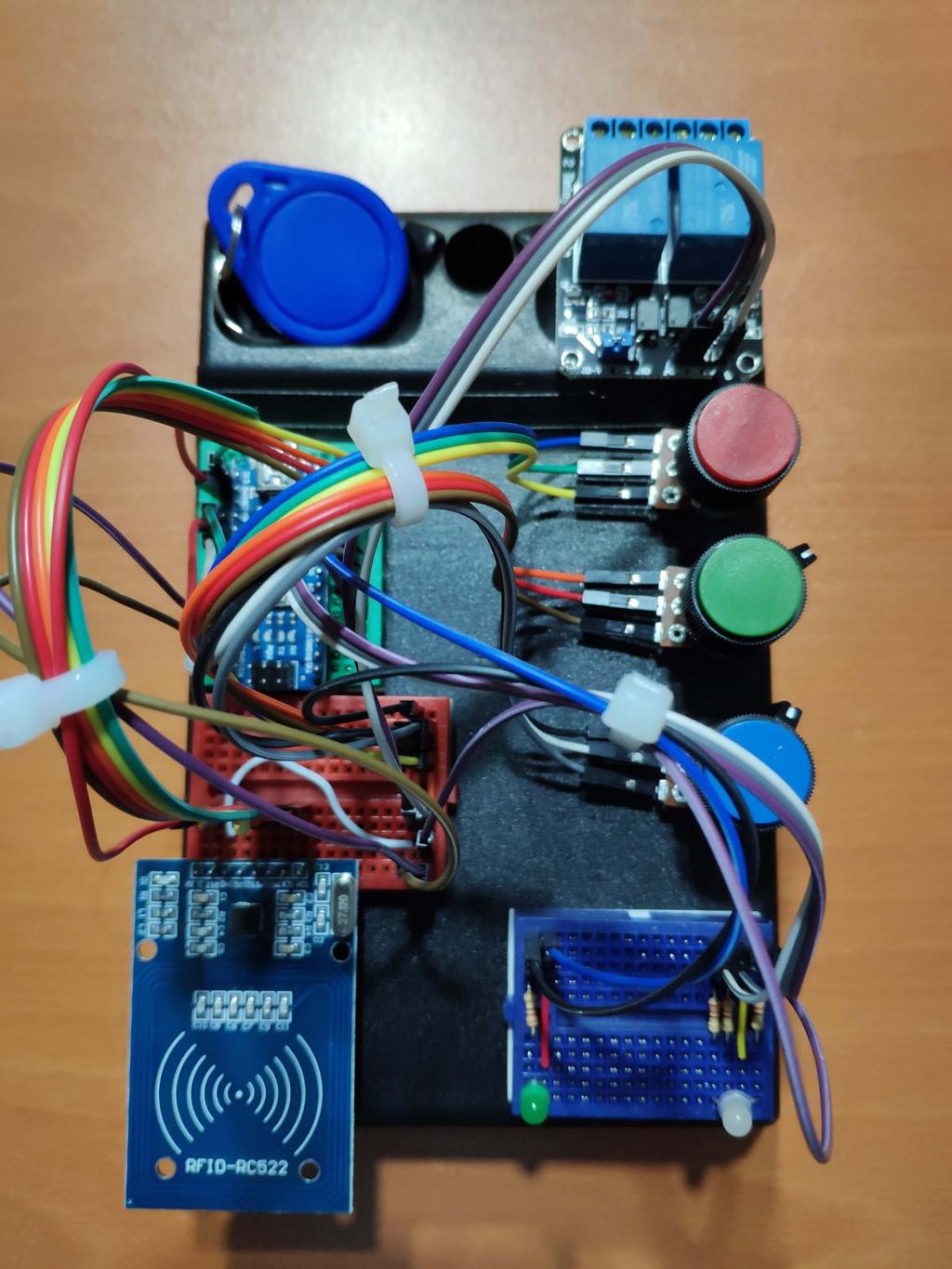
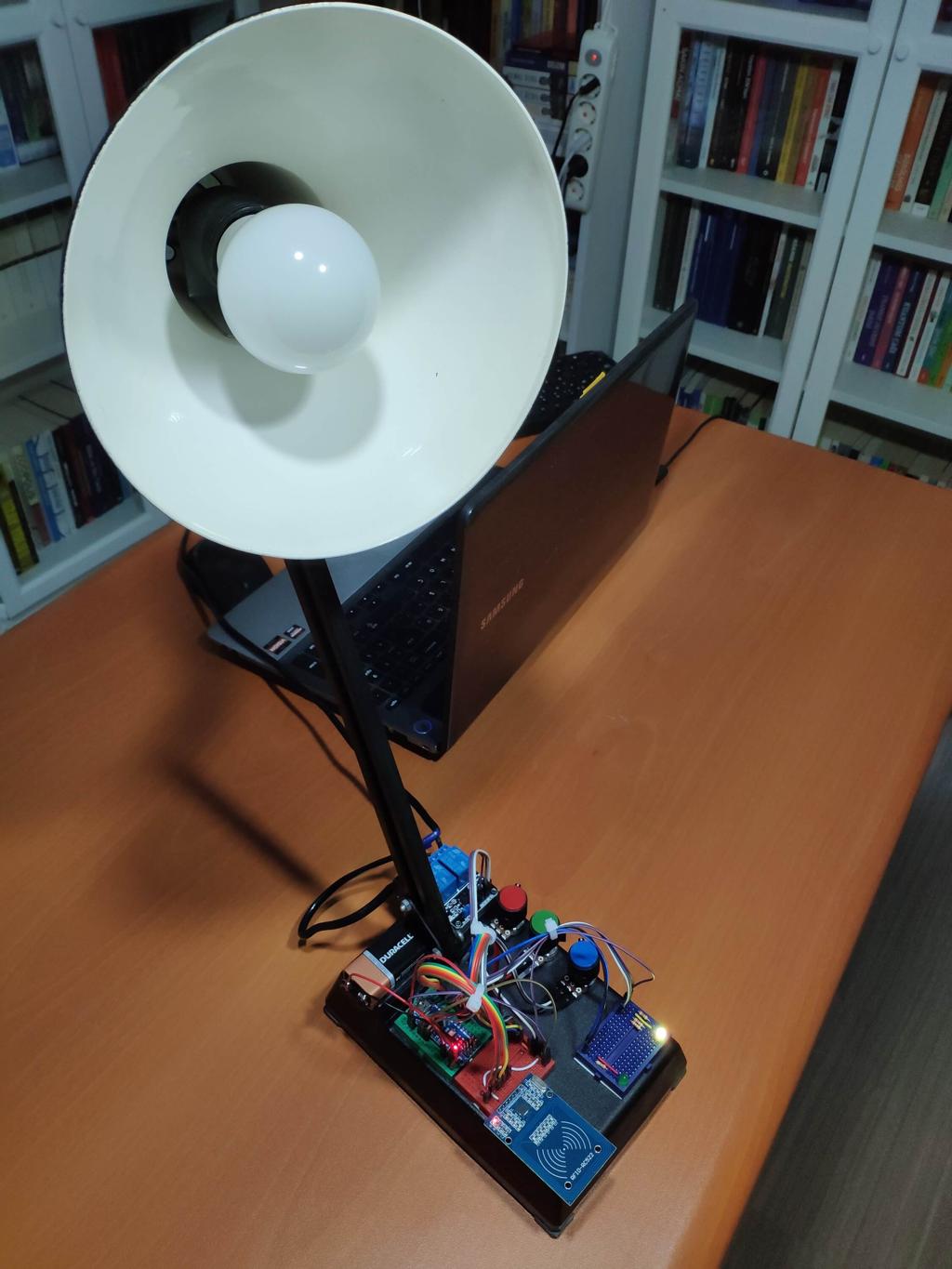
I have had an old and, not surprisingly, a dilapidated desk lamp for a long time and I thought it would be more effective and useful by getting upgraded with an MFRC522 RFID reader. But I, also, wanted to personalize it by using a specialized color pattern to turn the lamp off, hence the use of potentiometers and RGB led.


How to use an MFRC522 RFID Reader
First of all, download MFRC522 library from this link.
1 ) Solder male headers to MFRC522 RFID reader with a soldering iron carefully.


2 ) If you do not save or register an UID to EEPROM, use the function - registerCardUID() - below by uncommenting it from setup().

3 ) After saving get the UID from EEPROM by using this function.

4 ) And the final step, just compare the saved UID and the UID read by MFRC522 to turn the lamp and control led on.

Connections
Components connections are well-explained at the source code down below, make sure defining RST and SS pins properly.
Connect all components to Arduino Nano.


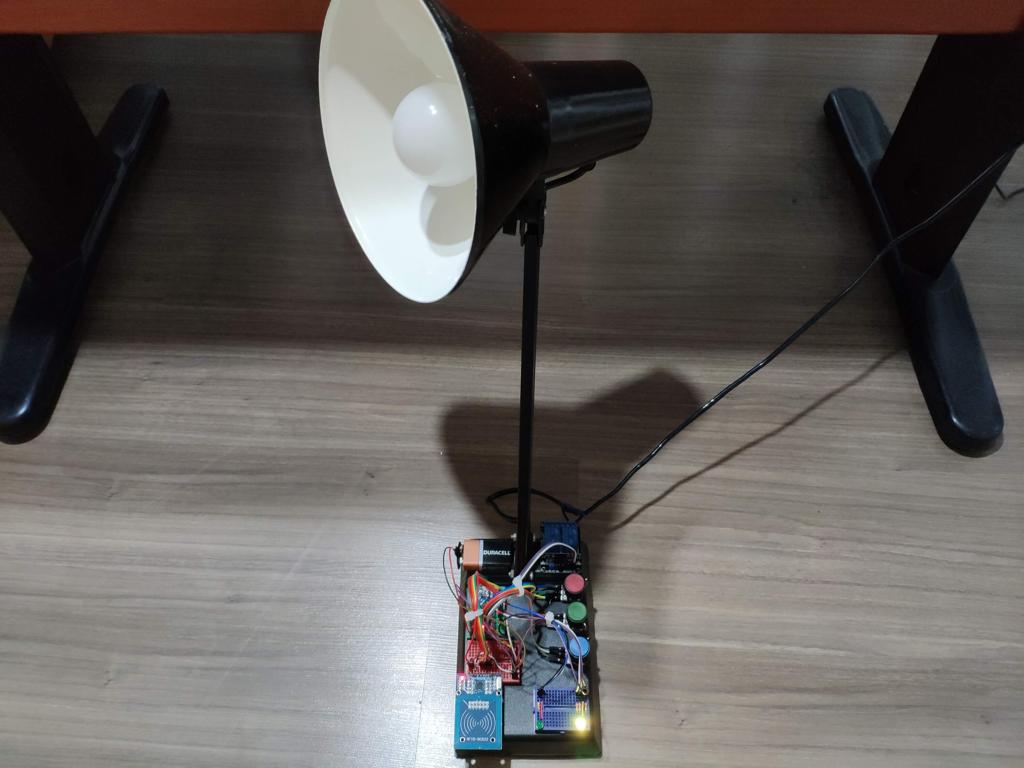
Rearrange your lamp parts to make components fit in it perfectly.


And then, sturdier all components via a hot glue gun.

Features
ON :
When MFRC522 RFID reader reads the same UID saved by EEPROM accurately.
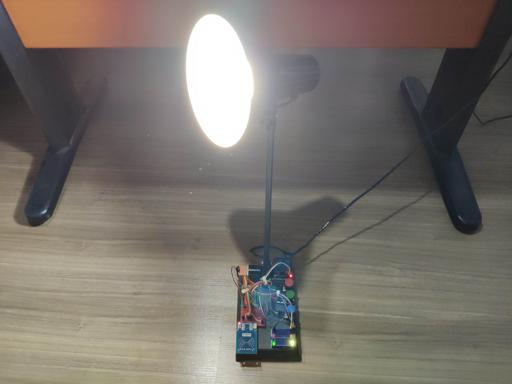
- Turn control led and the lamp turn on.
OFF :
When all potentiometer values are turned into zero.
Red Potentiometer Value = 0;
Green Potentiometer Value = 0;
Blue Potentiometer Value = 0;
- Turn control led, RGB led and the lamp off.


Videos
Project GitHub Repository
The project's GitHub repository provides:
- Code files
Schematics

Code
Custom assets
Assets
See on other platforms
Related projects

RFID Desk Lamp with RGB Color Scheme Lock
Enhance a dilapidated desk lamp w/ insipid features into an RFID enabled one w/ personalized RGB scheme lock via Arduino.
IoT Tesla Coil and Cooling Fan on the Localhost
Develop a web application in PHP and JavaScript to control a Tesla coil and a cooling fan via Arduino Nano 33 IoT. Get information from the Tesla Coil Controller without needing to click to a classic submit button.
The Welcome Gadget
Make your room untouchable while you are not in it by using an Arduino and two HC-SR04 sensors.
Remote Lamp
How to make a lamp controlled by TV remote control.
WhatsApp Halloween-Themed RFID Talking Doorbell w/ RGB Eyes
Startle your guests who do not have an entrance permit (RFID tag) and get notified w/ WhatsApp messages without checking the door :)