






Mobile Water Level Tracker
January 4, 2019
Navigation Bar

Apply Theme
- Introduction
- Keywords
- Brands
- Hardware
- Software
- Description
- Change HC-06 Bluetooth Module Default Variables
- Mobile Water Level Tracker Android Application
- Connections
- Features
- View The Water Integrity and Level on Android
- Demonstration
- Project GitHub Repository
- Schematics
- Code
- Custom assets
- See on other platforms
- Related projects
View the water integrity and level of selected areas on your Android phone by using an HC-06 Bluetooth module to make an irrigation system.
Keywords
Hardware
- [1]Arduino Nano
- [1]HC-06 Bluetooth Module
- [1]Funduino Water Sensor
- [1]Water Level Switch(Sensor)
- [1]5mm Green Led
- [1]10K Resistor
- [1]221ohm Resistor
- [2]Mini Breadboard
- [1]Jumper Wires
- [1]Hot Glue Gun
Software
Description

I had been working on a garden irrigation system for the plants although all my plants are in my balcony. While I was working on it, I realized that I needed to track the water integrity and the water level depending on the rain to adjust my irrigation system properly. And therefore, I designed a water level tracker by using an old bottle. I used a Funduino Water Sensor to measure the water integrity in the area where the sensor is placed. Also, I added a water level switch to detect whether the water level is below the threshold or exceeds it.When I finished this project, I thought that monitoring the water integrity and the water level on my Android phone by using an application is a beneficial idea hence I programmed a simple Android app named Mobile Water Level Tracker via MIT App Inventor. To send these data over the Bluetooth, I used an HC-06 Bluetooth Module because the short-range data transferring method is enough for me in this case.
Change HC-06 Bluetooth Module Default Variables
It is simple to use HC-06 Bluetooth Modules to communicate an Android application; you just need to include the SoftwareSerial Library which is embedded on Arduino IDE Libraries. To change its default variables - name, password and baud rate - you can use the Change_BluetoothModule_Defaults() function at the source code.

Mobile Water Level Tracker Android Application
I programmed this application by using the MIT App Inventor in a simple design. It can display the data send by Arduino directly, so it allows you to change string names and variables, except the application and buttons name, in the source code if you want to use this application for another project. Just click the Connect button to view Bluetooth devices you want to pair your phone - in this case, WaterModule.
You can download the application from here.


After downloading the application, pair your phone and the WaterModule to communicate with Arduino.


Connections
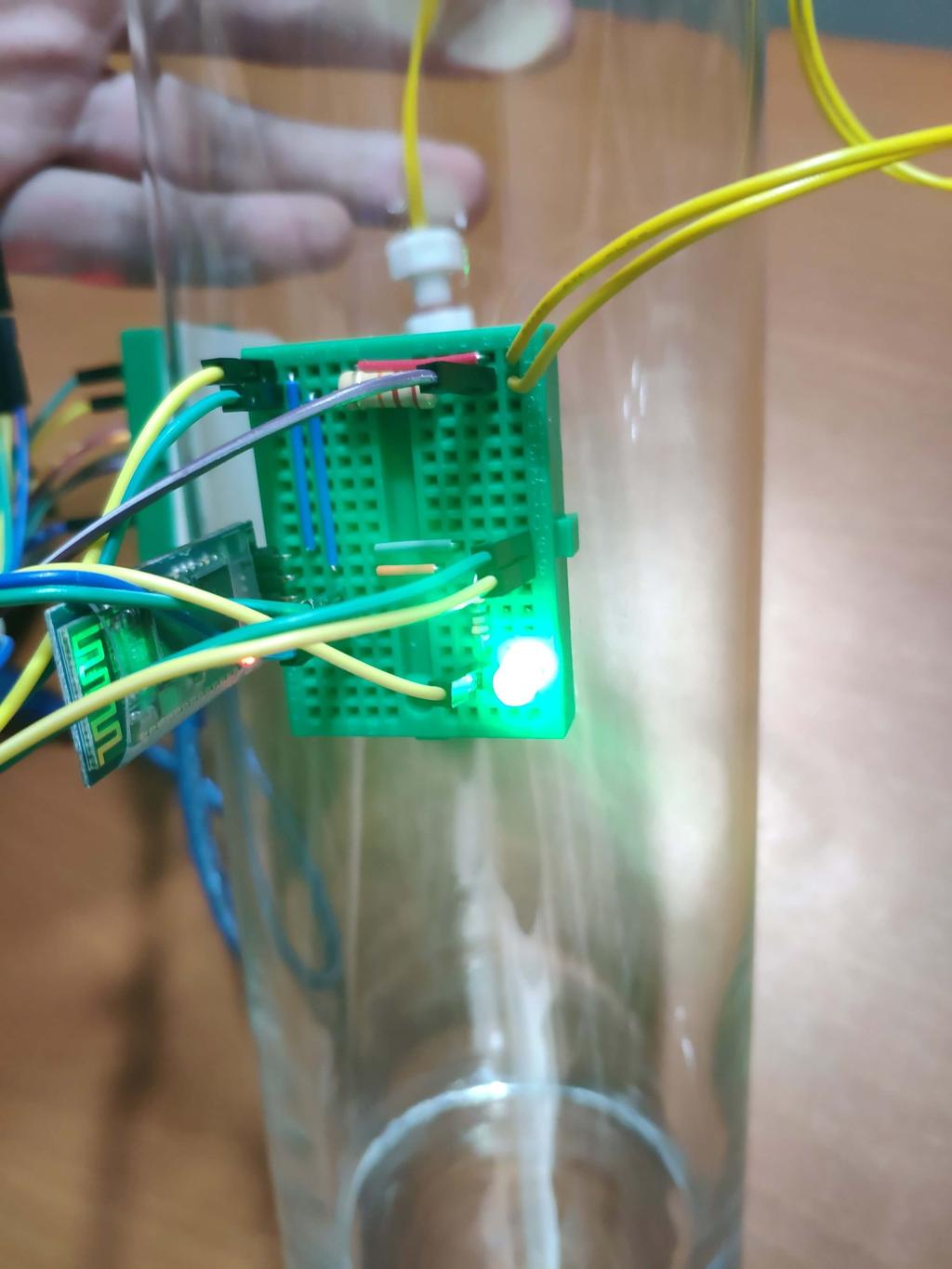
Arduino pinmapping and components connections are well-explained at the source code down below. Do not forget to attach a 10K resistor between GND and the digital signal pin while connecting the water switch to Arduino.


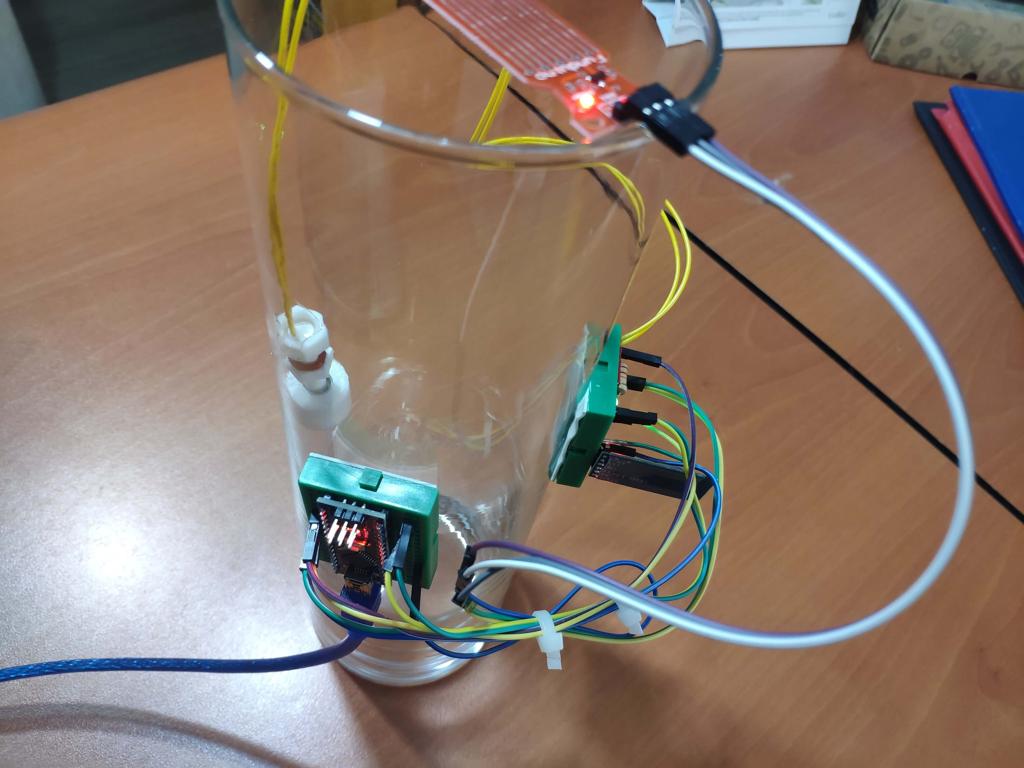
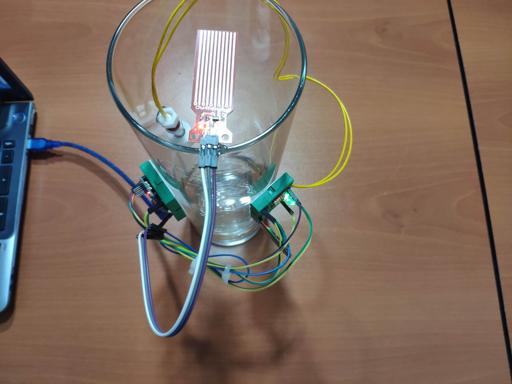
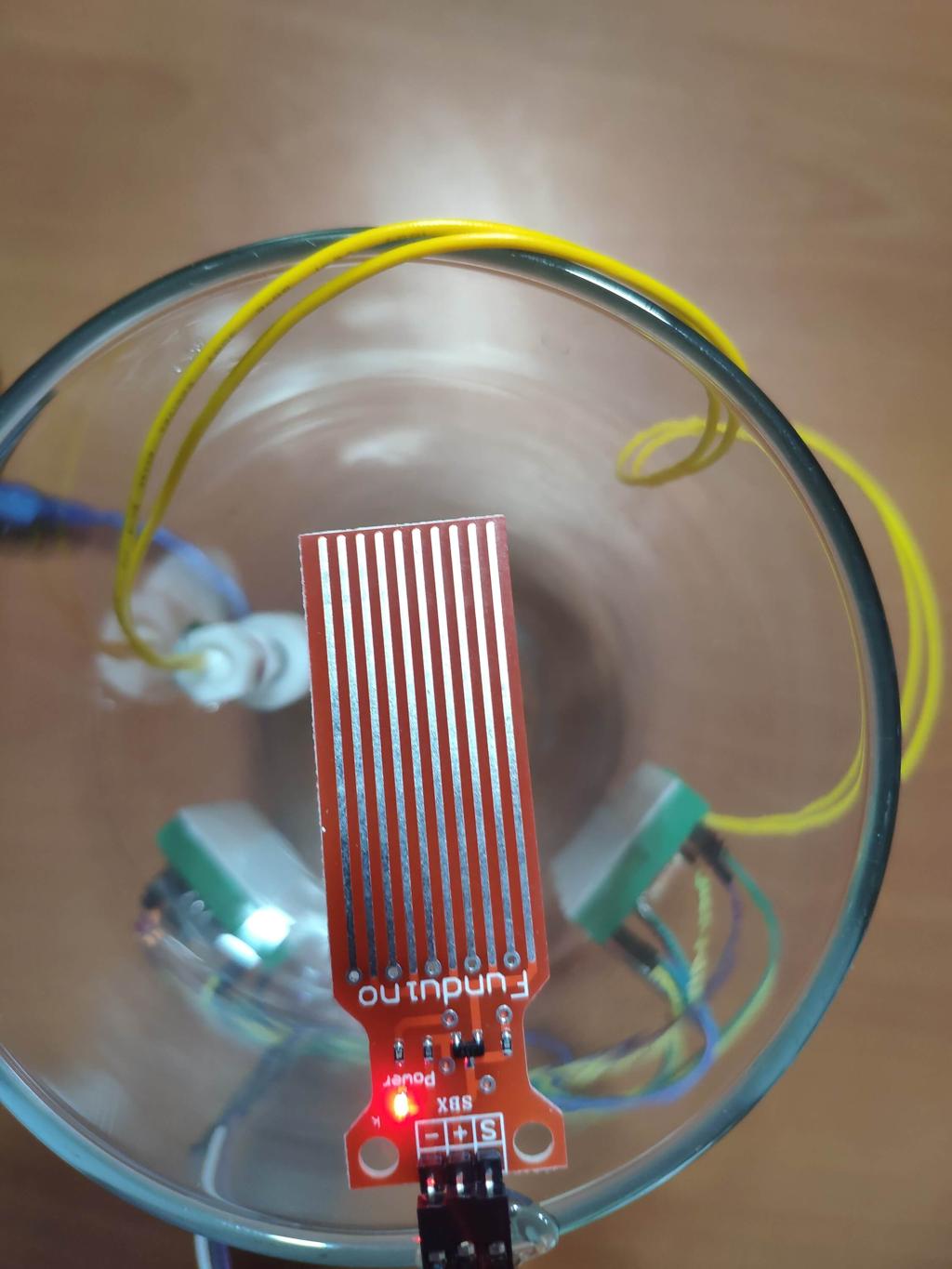
I decided to use an old bottle to detect the water integrity and the water level; I placed the Funduino Water Sensor on the top of it to measure the water integrity between 0 and 10 by mapping the analog signal pin value, as explained in the source code below. And, to detect whether the water level is below or above the threshold, I attach the water level switch in the bottle with a hot glue gun as depicted below.


Features
- View the water integrity of a selected area between 0 and 10.
- View the water level as OK and FULL indicators.
- Connect Arduino to Android by using this project Android application.
- See whether the connection is active or not by using the control led.


View The Water Integrity and Level on Android
Now, you are able to see the water integrity and level send by the HC-06 Bluetooth Module on Android by downloading the Mobile Water Level Tracker Application.


Demonstration
Project GitHub Repository
The project's GitHub repository provides:
- Code files
- Mobile application AIA and APK files (Android)
Schematics

Code
Custom assets
See on other platforms
Related projects

Bluetooth Mobile Remote Lamp with Weather Station
Control your room lighting system and display weather information via specifically developed Android application and a uniquely designed PCB.
Create a People Counter controlled by an Android app
Make a people counter that detects the number of people who enter the room using lasers and LDRs and control it with an Android app.
Make an Enhanced R2-D2 to Be Controlled by an Android App
Make an R2-D2 replica and control it by an app you programmed. Add a Nokia interface which gives you the Star Wars characters info.
Mobile Weather Station Being Powered by Solar Energy
Get the weather information through an Android app constantly and use the solar energy generated by the PV panel to charge devices.
The Welcome Gadget
Make your room untouchable while you are not in it by using an Arduino and two HC-SR04 sensors.